









What are automated email campaigns?
An automated email campaign is a sequence of emails sent automatically when a contact meets a predefined trigger condition. Rather than scheduling a manual send to your full list, you define a rule: when someone takes a specific action, reaches a certain lifecycle stage, or meets a set of conditions, the platform sends the right message without anyone pressing send.
The underlying mechanics are straightforward. A trigger fires, the system checks the relevant conditions, and an email goes out based on rules you set in advance. What makes automated campaigns valuable is that they let you respond to customer behavior at scale, consistently, at the moment it happens.
Why do automated campaigns outperform manual sends?
Manual campaigns require someone to decide who receives which message and when. Manual scheduling does not scale, and it introduces delays that cost you conversion. A welcome email sent 48 hours after signup performs very differently from one sent within the first few minutes.
The timing difference is real. A message that arrives when a customer’s intent is highest performs differently from one that arrives when someone on your team remembered to schedule it. Automation removes that gap, turning behavioral triggers into consistent, timely communication rather than one-off broadcast sends.
What types of automated email campaigns should you run?
The most effective automated email campaigns are built around specific moments in the customer lifecycle. The campaigns that consistently perform across industries include:
- Welcome series: Triggered when someone subscribes or creates an account. The goal is to orient the new contact, deliver on the promise that brought them in, and establish a communication rhythm from the start.
- Lead nurture campaigns: Sent to contacts who have expressed interest but have not converted. Automated nurture sequences can deliver educational content based on browsing behavior, moving prospects toward a decision based on their history.
- Abandoned cart emails: Triggered when a contact adds items to a cart but does not complete checkout. A well-timed automated email can recover a meaningful portion of the revenue that would otherwise be lost.
- Post-purchase campaigns: Sent after a transaction to confirm the order, provide next steps, or surface complementary products. Automated post-purchase flows reduce inbound support volume and create conditions for repeat buying.
- Re-engagement campaigns: Triggered when a contact has gone dormant for a defined period, with no opens, clicks, or purchases in the record. Automated win-back sequences can reactivate contacts based on their previous behavior before they leave for good.
- Onboarding campaigns: Used in SaaS and subscription businesses to guide new users through activation steps. Automated onboarding emails can reduce early churn by getting customers to value faster.
How do you set up an automated email campaign?
The setup process is consistent across most platforms:
- Define the campaign goal: what action or outcome does this sequence exist to produce?
- Identify and segment your audience: who qualifies to enter this flow, and what data determines that?
- Select the trigger: the specific event or condition that starts the sequence
- Map the email sequence: how many emails, what each one covers, and in what order
- Write personalized content tailored to the contact’s history, segment, or behavior
- Set delays and conditions: how long between sends, and what conditions advance or exit a contact from the flow
- Launch and monitor: track opens, clicks, conversions, and unsubscribes to improve performance over time
When is email the right channel for your automated messages?
This is the question most guides skip. Email is well-suited for communications that benefit from length, visual formatting, or permanence. Onboarding flows where you need to explain several steps, post-purchase summaries a customer will want to reference later, and promotional campaigns with enough content to justify the format are all natural fits.
Email is a weaker choice when speed or immediacy matters. If you need a contact to act within a short window, an SMS or interactive WhatsApp message will typically reach them faster and with higher open rates. A contact who does not open your cart abandonment email might respond immediately to an SMS reminder sent an hour later.
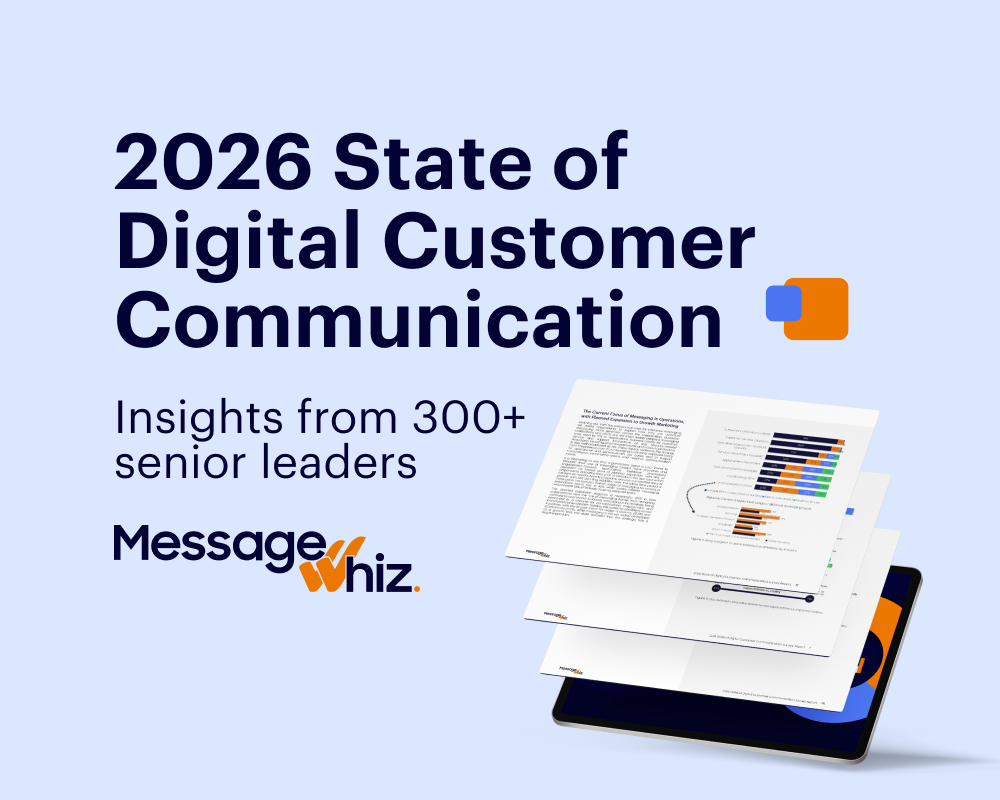
The most effective automated communication strategies route each trigger to the channel that fits it best. The 2026 State of Digital Customer Communication Survey found that 99% of businesses say omnichannel is important, but only 43% support more than email and SMS. Most businesses already know email alone is not enough. Here is how the common channels compare:
| Channel | Best For | Reach | Key Capabilities |
| Detailed content, lifecycle flows, promotions | Broad; delivery depends on list quality and sender reputation | Long-form format, visual templates, link tracking, inbox permanence | |
| SMS | Time-sensitive alerts, OTPs, reminders | Near-universal, no app required | High open rates, instant delivery, broad device support |
| Interactive conversations, rich media, two-way messaging | 2B+ global users | Buttons, multimedia, two-way messaging, in-conversation flows | |
| Viber | Rich messaging in select markets | Strong in Eastern Europe, Middle East, and Southeast Asia | Rich media, branded business profiles, group messaging |
Using email as the anchor for context-rich communications, and reinforcing it with faster channels at the right moments based on customer history and preferences, gives you a more complete picture of what your customers actually need. Explore how email fits within a broader channel mix at the MMDSmart MessageWhiz email channel page.
What are the best practices for automated email campaigns?
A few principles that consistently improve performance:
- Build on permission-based lists. Contacts who opted in will engage. Contacts who did not will ignore your messages and damage your sender reputation over time.
- Segment before you automate. A flow built for a specific segment outperforms a generic one sent to your full list. Divide your audience by behavior, lifecycle stage, or channel preference before mapping your sequences.
- Personalize beyond the first name. Real personalization uses purchase history, browsing behavior, and channel preferences to send messages that are relevant based on what each contact has actually done. That requires your messaging platform to be fully integrated with your CRM, AI agents, or other management systems — not just pulling a first name from a contact field. The 2026 State of Digital Customer Communication Survey found that only 11% of companies report full integration between messaging and their CRM, which means most campaigns described as “personalized” are still operating well below their potential.
- Protect deliverability. Clean your list regularly, monitor bounce rates, and sunset contacts who consistently do not engage. A smaller, healthy list outperforms a large, degraded one.
- Test one variable at a time. Subject lines, send timing, and CTAs all affect performance. Systematic A/B testing builds a clear picture of what works for your specific audience.
FAQ
What is an automated email campaign?
An automated email campaign is a sequence of emails triggered automatically when a contact meets a predefined condition, such as signing up, abandoning a cart, or going dormant for a set period. Automated campaigns deliver the right message at the right time without manual intervention.
What is the difference between an automated email campaign and a newsletter?
A newsletter goes to a defined list on a fixed schedule, regardless of individual contact behavior. An automated email campaign fires based on a specific trigger tied to what a contact does or does not do. Automated campaigns are typically more targeted and generate higher engagement as a result.
How many emails should an automated sequence include?
The number depends on the campaign goal. A welcome series commonly runs 2 to 4 emails over the first week. A lead nurture sequence may run 5 to 8 emails over several weeks. The right length is whatever delivers genuine value at each step without sending messages that have nothing new to say.
When should you use email instead of SMS or WhatsApp for an automated message?
Email works well for detailed, context-rich communications: onboarding guides, post-purchase summaries, and promotional campaigns that benefit from visual formatting. SMS and interactive WhatsApp messages are better suited for time-sensitive moments where open rate and response speed matter most. The most effective automated communication strategies use both, routing each trigger to the channel that fits it best on the right channel.
What does an automated email campaign cost?
Pricing varies by platform and sending volume. Most email platforms charge based on the number of contacts or emails sent per month. Some platforms include email automation as part of a broader omnichannel messaging solution, which can offer better cost efficiency if you are also running SMS, WhatsApp, or other channel campaigns alongside your email program.
Automated email campaigns are one of the most reliable tools in a modern marketing stack. The technology is proven, the use cases are well-defined, and for the right communications, email is hard to beat.
The gap most teams have is not in the campaigns themselves. It is in treating email as the default for every automated touchpoint. Thinking about where email is strongest, and where a faster or more interactive channel would serve the same customer better, is what separates a good automation strategy from a complete one.
MMDSmart MessageWhiz supports automated email campaigns as part of a full omnichannel messaging platform, so your email flows can work alongside SMS, WhatsApp, Viber, and other channels from a single system. To see how that works for your use case, talk to our team.