














Support teams running high-volume operations know the friction well. A customer opens a chat, then sends a text, then calls. The conversation is technically happening, but no single agent has the full picture. Resolving the issue takes longer than it should, and the customer feels it.
Adding SMS to your support toolkit sounds straightforward. In practice, it usually means a separate platform, a separate inbox, and another context switch your agents don’t have time for.
The MMDSmart and Comm100 partnership changes that.
What does the MMDSmart and Comm100 integration actually do?
MMDSmart is now a certified Comm100 partner, bringing enterprise-grade A2P SMS capabilities directly into the Comm100 platform. The integration natively connects your MMDSmart SMS numbers to Comm100 so your team can send and receive SMS messages without leaving the interface they already work in. Every SMS conversation sits alongside your live chat, email, and other support channels in a single view.
Who is this integration built for?
The integration is designed for support teams managing high volumes across multiple channels. If your agents are already working in Comm100 and your customers are increasingly reaching out via SMS, or if you want to reach customers on SMS proactively from within a support ticket, this closes the gap.
Industries where SMS is a primary customer communication channel stand to gain the most from having two-way SMS directly inside their support desk.
What can your team do with SMS inside Comm100?
Once your MMDSmart number is connected, your support team can:
- Send and receive SMS from within tickets and chat profiles: Agents can message customers directly from an existing interaction without switching platforms or losing conversation history
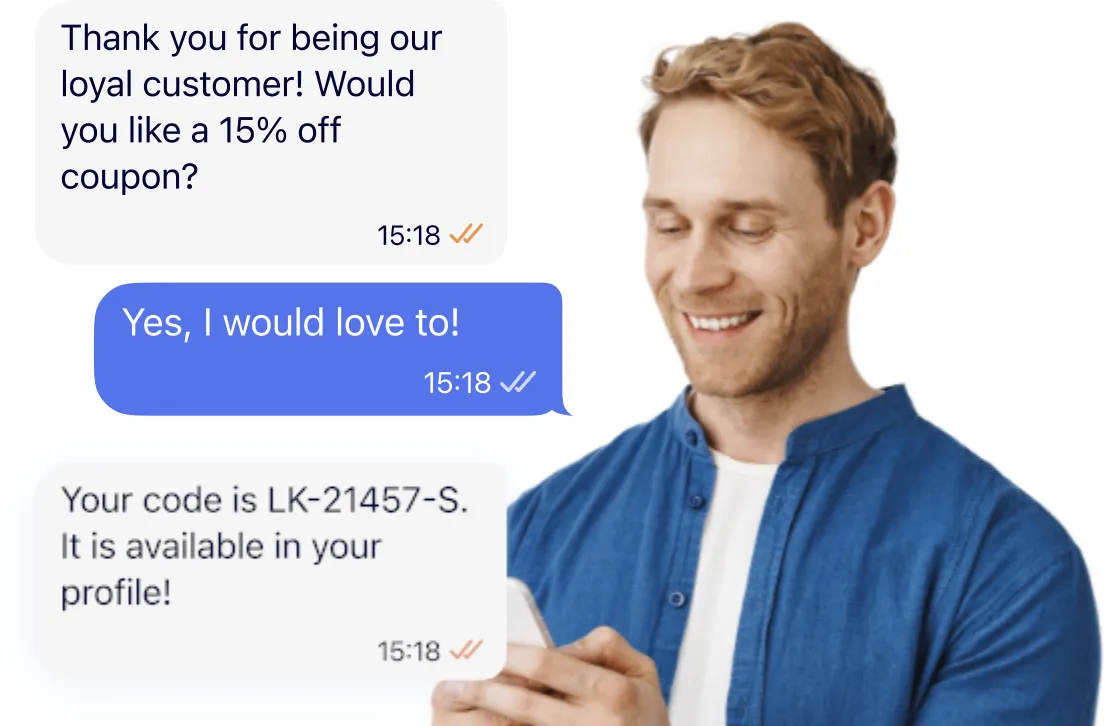
- Trigger automated SMS notifications: Key support events, including ticket updates, confirmations, and escalations, can be configured to send SMS alerts automatically
- Maintain full conversation context: SMS threads appear alongside other channel interactions, giving agents a complete view of every customer before they respond
“Comm100 customers are already managing complex, high-volume support operations. Adding SMS directly into that workflow means their teams can reach customers faster, on a channel that actually gets read, without changing how they work. That’s the kind of integration that makes a real difference at the agent level.” — Karen Krivaa, CMO at MessageWhiz
“Our customers have been asking for SMS capabilities that fit naturally into their existing support workflows, not a separate tool they have to context-switch into. The MMDSmart integration delivers exactly that – reliable, enterprise-grade SMS inside the platform their teams already use every day.” — Najam Ahmed, Content Marketing Manager, Comm100 –
What makes MMDSmart the right SMS partner for Comm100?
MMDSmart’s MessageWhiz controls its network routes rather than reselling through third parties, which means your messages are not competing for delivery priority. The platform maintains greater than 99% delivery rates and 99.999% uptime reliability, which matters when your support team is sending time-sensitive updates to customers waiting on a response.
MMDSmart also provides dedicated account management and 24/7 support, so if something needs adjusting in your SMS configuration, there is a team available to help, not just a knowledge base.
Frequently Asked Questions
Do I need a separate MMDSmart account to use the integration?
Yes. You’ll need an MMDSmart MessageWhiz account to connect your SMS number to Comm100. The setup process is straightforward, and the MMDSmart team provides dedicated support throughout.
Can I use my existing SMS number with the integration?
Yes. You can connect your existing MMDSmart SMS number directly inside Comm100, so your customers continue reaching you on a number they already recognize, or integrate your existing SMS number into MessageWhiz.
Does the integration support two-way SMS?
Yes. Agents can send and receive SMS messages from within Comm100, so full conversations are captured alongside your other support channels in one place.
Will SMS conversations appear alongside my other Comm100 channels? Yes. SMS conversations are visible within the same Comm100 interface your team already uses, giving agents a complete view of each customer interaction regardless of channel.
What happens if a customer contacts us via SMS and live chat at the same time? Both conversations are accessible within Comm100, so agents have full context across channels before responding.
If your support team is already running on Comm100 and you want to add reliable, two-way SMS without disrupting your current workflow, contact the MMDSmart team to get started.