













Multi factor authentication (MFA) vs 2FA
Two-factor authentication (2FA) and multi-factor authentication (MFA) both add extra layers of protection beyond passwords, but they are not the same. 2FA always uses exactly two authentication factors, typically something the user knows (like a password) and something they have (like a one-time code). MFA uses two or more factors, which may include possession factors, biometric factors, or contextual signals, providing stronger and more flexible protection.
The difference matters because each approach offers a different balance of security strength, user experience, and operational complexity. Understanding how MFA and 2FA work, where they overlap, and where they diverge helps organizations choose the right model for their risk profile and use cases.
Before comparing them in detail, it helps to understand the threat landscape that made stronger authentication necessary in the first place.
Why Modern Threats Require 2FA and MFA
Authentication threats today are not hypothetical. Earlier this year, researchers discovered a leak that included over sixteen billion user names and passwords. Industry breach analyses consistently show that compromised credentials remain one of the most common initial access points for successful cyberattacks.
Once exposed, credentials are rarely used against just one service. Attackers reuse them at scale across banking platforms, gaming sites, travel portals, and healthcare systems, relying on automation to identify which logins still work.
How Credentials Are Stolen Today
Modern attackers do not rely on brute force alone. Instead, they combine automation with deception and scale:
- AI-generated phishing scams that produce realistic, personalized messages and fake login pages
- Password spray attacks, where a small set of common passwords is tested across thousands of accounts
- Credential stuffing, using username-password pairs from previous breaches
- Malware and browser-based techniques that quietly capture login details
What Happens After Credentials Are Compromised
When attackers gain access using valid credentials, the impact escalates quickly and silently.
Because activity originates from a legitimate account, early-stage actions often bypass controls designed to detect external threats.
How this plays out across industries
- Banking & fintech: Unauthorized transfers, wallet draining, payment method manipulation, typically before fraud tools detect anomalies
- Gaming: Account takeover becomes immediate revenue theft through withdrawals, fraudulent purchases, and underground resale
- Travel & hospitality: Loyalty point theft and booking changes surface late, causing disruptions at check-in or boarding
- Healthcare: Credential misuse can unlock patient portals and medical records at scale, triggering regulatory and reputational fallout
Once attackers have a valid username and password, their behavior can look indistinguishable from a real user, which is why stronger authentication controls are no longer optional.
Why Passwords Alone Are No Longer Enough
Passwords were never designed to withstand today’s threat environment. They can be reused, shared, phished, or stolen at scale. Even strong password policies cannot prevent credential reuse across platforms.
Two-factor authentication and multi-factor authentication introduce an additional verification layer that helps prevent stolen credentials from becoming successful logins. Rather than replacing passwords, these approaches limit the damage when passwords are inevitably exposed.
What Is Two-Factor Authentication (2FA)?
Two-factor authentication (2FA) is an authentication method that requires exactly two distinct factors to verify a user’s identity.
These factors come from different categories:
- Something you know – a password or PIN
- Something you have – a mobile device, one-time passcode, or hardware token
- Something you are – biometric identifiers such as fingerprints or facial recognition
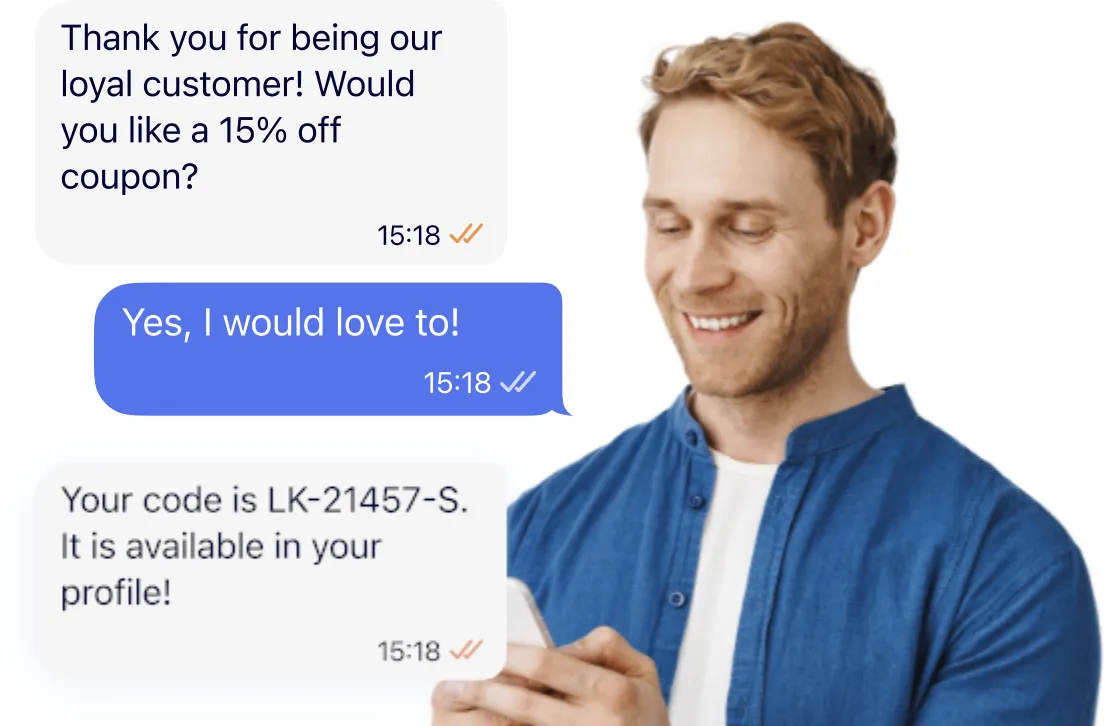
A typical 2FA flow combines a password with a one-time code delivered through a trusted channel or authenticator app.
How 2FA Works
- The user enters a username and password
- The system requests a second factor
- The user provides a one-time or possession-based proof
- Access is granted if both factors are valid
Common 2FA Use Cases
- Consumer account logins
- Password resets and account recovery
- Transaction confirmations
- Baseline protection against account takeover
Compared to password-only authentication, 2FA significantly reduces the success rate of credential-based attacks.
Organizations looking to expand secure communication beyond standard SMS often leverage WhatsApp for enterprise to deliver OTPs and authentication messages through a trusted, widely used channel.
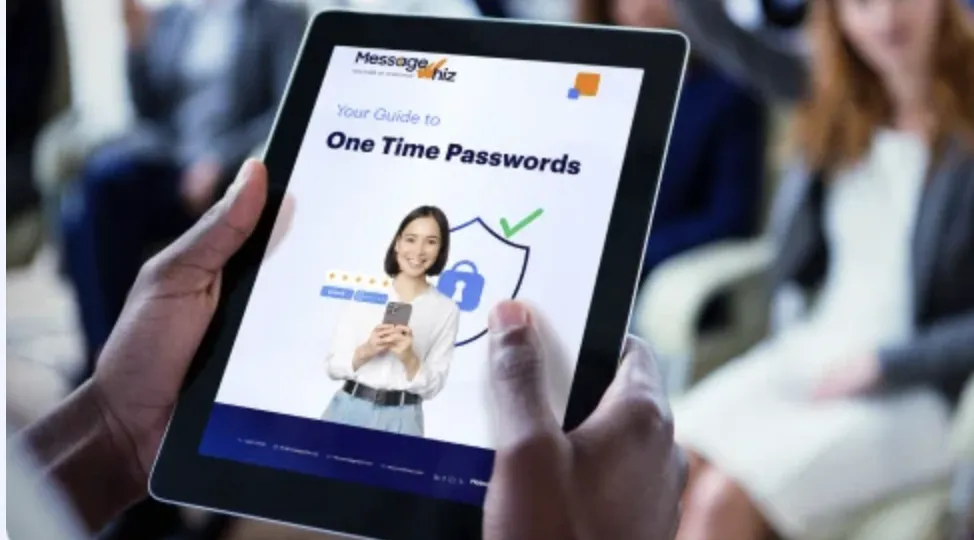
Download our eBook on OTP to learn more
What Is Multi-Factor Authentication (MFA)?
Multi-factor authentication (MFA) is a broader authentication strategy that requires two or more authentication factors, without a fixed limit on how many may be used.
MFA allows organizations to combine authentication methods with contextual signals such as device identity, location, or behavior. Authentication strength can adapt dynamically based on risk.
MFA Can Include
- Passwords or passphrases
- One-time passwords (OTP)
- Push notifications
- Biometrics
- Hardware security keys
- Trusted device identity
- Network or geographic context
- Behavioral risk signals
How MFA Works in Practice
A low-risk login from a recognized device may require minimal verification. A high-risk login or sensitive action may trigger additional factors.
This flexibility makes MFA especially valuable for enterprises, regulated industries, and environments where access patterns constantly change.
2FA vs. MFA: The Key Differences
Number of Factors
2FA always uses two factors, such as a username-password combination and a one-time password. MFA uses two or more factors depending on policy and risk, and often includes an OTP as part of its protocol.
Because MFA is not capped at two steps, organizations can increase authentication strength for sensitive actions without redesigning the entire login flow.
Relationship
2FA is a subset of MFA. Every 2FA implementation qualifies as MFA, but MFA is not limited to two factors.
This distinction matters in practice, as MFA frameworks allow teams to evolve beyond basic two-step verification as threats, compliance needs, or user behavior change.
Flexibility
2FA follows a consistent, fixed flow that applies the same authentication steps to every user and session. MFA can adapt authentication requirements based on context such as device trust, location, or behavior.
This adaptive approach enables stronger security for higher-risk scenarios while keeping low-risk logins fast and frictionless.
Security Level
2FA raises the security baseline by preventing many password-only attacks. MFA provides stronger protection against phishing-driven and targeted attacks by layering multiple verification methods and contextual signals.
As attack techniques become more sophisticated, this layered defense significantly reduces the likelihood that stolen credentials alone can lead to account compromise.
Examples of 2FA and MFA in Practice
While 2FA and MFA are often discussed in abstract terms, the differences become clearer when viewed through real-world authentication flows. The key distinction is not just the number of steps, but how much assurance each approach provides when risk increases.
Examples of 2FA
2FA always combines exactly two authentication factors, typically a password and a second verification step.
- Password plus one-time passcode (OTP): A user enters their password and then provides a time-based or SMS-delivered code. This is one of the most common 2FA implementations and significantly improves security over passwords alone, but it can still be vulnerable to phishing, SIM swapping, or real-time relay attacks.
- Password plus authenticator app code: Instead of SMS, the second factor is generated by an authenticator app such as Google Authenticator or Microsoft Authenticator. This reduces reliance on telecom networks and improves resilience, but attackers who successfully phish credentials in real time may still bypass this control.
- Password plus email verification: After entering a password, the user must click a link or enter a code sent via email. While better than a password-only flow, this method offers weaker protection because email accounts are often protected by the same credentials or lack strong authentication themselves.
Examples of MFA
MFA uses two or more authentication factors, allowing organizations to increase assurance when access is sensitive, behavior looks suspicious, or regulatory requirements apply.
- Password plus one-time passcode plus biometric: A user signs in with a password, confirms an OTP, and then completes biometric verification such as fingerprint or facial recognition. This layered approach makes account takeover significantly harder, even if one factor is compromised.
- Password plus push approval plus location validation: After password entry, the user must approve a push notification on a trusted device, while the system also evaluates contextual signals such as location or device reputation. If login behavior deviates from normal patterns, additional verification can be enforced automatically.
- Passwordless login using hardware key and biometric: Instead of a password, the user authenticates using a physical security key combined with a biometric factor. This approach eliminates password theft entirely and is widely considered one of the most phishing-resistant authentication models available today.
These examples illustrate how MFA enables adaptive, risk-aware authentication that goes beyond a fixed two-step process. As threats become more sophisticated, MFA provides the flexibility to apply stronger verification precisely when it is needed, without adding unnecessary friction to every login.
When to Use 2FA vs. MFA
Choosing between 2FA and MFA is less about picking a single “better” option and more about aligning authentication strength with risk, user expectations, and operational complexity. Many organizations successfully use both, applying each where it makes the most sense.
When 2FA Is a Good Fit
2FA is well suited for high-volume, consumer-facing environments where ease of use is critical and the risk of compromise, while real, is relatively contained.
Typical use cases include:
- Consumer applications and SaaS platforms where friction directly impacts conversion or retention
- Low-to-moderate risk workflows, such as standard logins that do not expose sensitive data or financial controls
- Large, global user bases where simplicity and accessibility are essential
2FA significantly reduces the risk of basic credential stuffing and opportunistic attacks without overburdening users. For many organizations, it serves as an effective baseline that improves security while maintaining a smooth login experience.
When MFA Is the Better Choice
MFA is the stronger option when access involves elevated risk, sensitive data, or regulatory requirements. It provides additional assurance by layering factors and adapting authentication based on context.
MFA is especially appropriate for:
- Financial transactions, administrative actions, and privileged access
- Enterprise and internal systems where compromise could impact operations or compliance
- Industries subject to regulation, such as banking, healthcare, and government
Because MFA can incorporate biometrics, device trust, and contextual signals, it is better equipped to detect and block sophisticated attacks that bypass simpler controls. It also allows organizations to dynamically increase authentication strength when behavior deviates from normal patterns.
Using 2FA and MFA Together
In practice, many organizations deploy both models. 2FA is used for general access to reduce overall attack surface, while MFA is enforced for higher-risk actions such as payments, data exports, configuration changes, or access from new devices or locations. This layered approach balances security, usability, and operational efficiency.
Best Practices for Deploying MFA and 2FA Effectively
Prioritize Phishing-Resistant Authentication Factors
Favor authentication methods that reduce exposure to phishing-based attacks and credential misuse. Phishing techniques continue to evolve, often using AI-generated content that closely mimics legitimate communications and login pages. Authentication factors that add an additional verification step beyond knowledge-based credentials make it significantly harder for attackers to turn stolen usernames and passwords into successful logins.
Enforce Secure Enrollment and Recovery Workflows
Authentication is only as strong as its enrollment and recovery processes. These workflows are frequent targets because they allow attackers to add new authentication factors or regain access without triggering normal login protections. Securing enrollment and recovery ensures that attackers cannot bypass strong authentication controls through weaker supporting processes.
Use Adaptive MFA to Minimize User Friction
Apply stronger authentication selectively, based on risk signals rather than uniformly across all users. Adaptive MFA allows organizations to require additional verification only when behavior, location, device, or activity appears unusual. This approach improves security outcomes while maintaining a smooth user experience for low-risk interactions.
Integrate Device Identity and Endpoint Signals
Trusted devices and endpoint posture provide valuable context that strengthens authentication decisions. By recognizing known devices and evaluating endpoint signals, organizations can better distinguish between legitimate users and suspicious access attempts. Device identity adds an important layer of assurance without requiring additional user action in many cases.
Continuously Monitor Authentication Activity
Ongoing monitoring helps detect abuse patterns, configuration gaps, and emerging threats. Authentication logs and analytics provide insight into failed attempts, unusual access behavior, and potential attack campaigns. Continuous visibility enables teams to respond quickly and refine authentication policies as risks evolve.
Multi-Factor Authentication vs 2FA
The distinction between multi-factor authentication vs 2FA is not about terminology. It is about aligning authentication strength with real-world risk.
2FA significantly improves security over passwords alone. MFA goes further by adapting authentication to context, behavior, and threat level. The most effective strategies often combine both approaches, applying each where it delivers the greatest impact.
In an environment where credentials are routinely exposed and reused, layered authentication is no longer optional, but foundational.
How MessageWhiz Supports OTP-Based Authentication
MessageWhiz supports one-time password (OTP) delivery as part of modern 2FA and MFA workflows, helping organizations add an extra verification layer to login, transaction, and account recovery processes. OTPs can be delivered across trusted messaging channels, enabling timely and reliable user verification without disrupting the overall authentication experience. By integrating OTP delivery into broader authentication strategies, MessageWhiz helps teams strengthen access security while maintaining the speed and usability users expect.
Learn more on our site, or schedule a demo to see OTP in action